Wordsmith raised a $25M Series A. Its homepage sells legal teams a front door.
How an Edinburgh legal AI company sells to general counsel: a front-door metaphor in the headline, four verbs for the whole job, named general counsel on video, and five outcome numbers in a row.
Published 24 November 2026
- Milestone
- Series A · $25M
- Homepage scorecard
- 77 / 100
- First-screen focus
- Busy by design
- Headline
- 8 words
In 30 seconds
What Wordsmith does well
Key facts
The first screen, measured
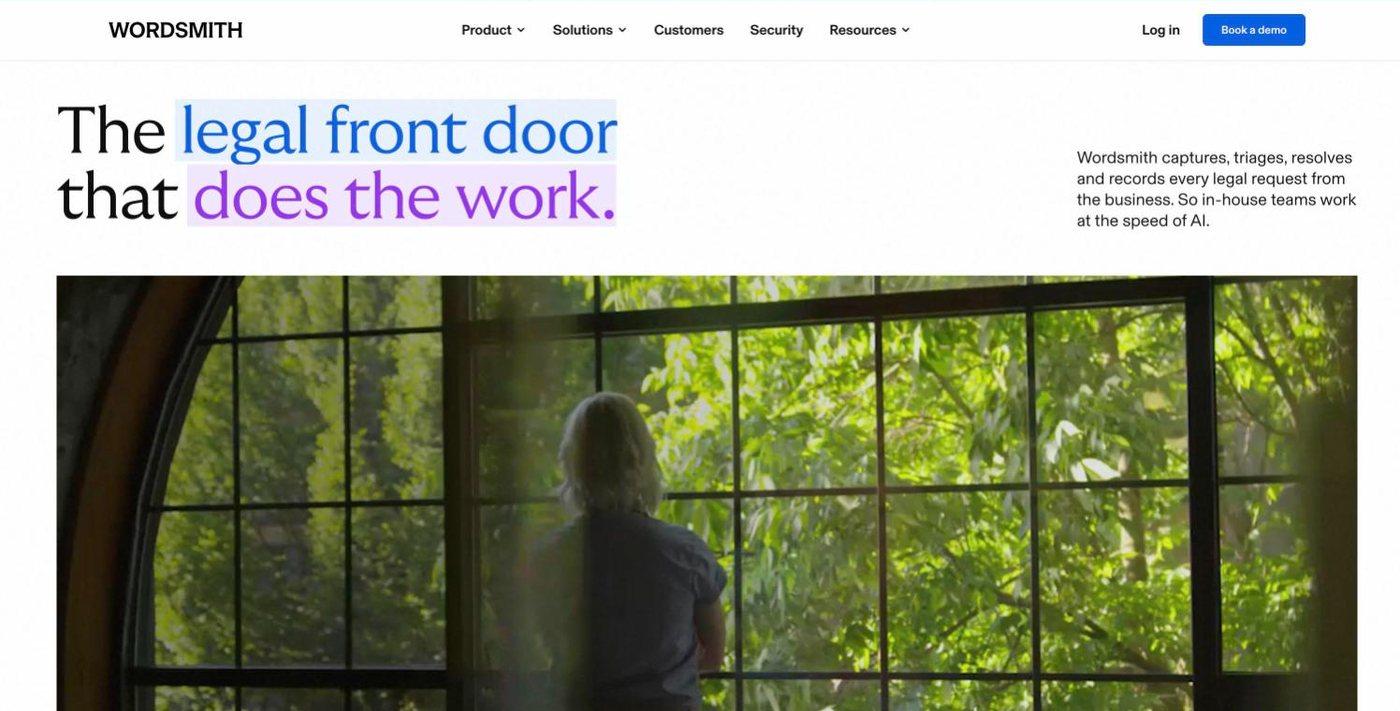
- Wordsmith's homepage hero shows film of people at work.
- The headline is 8 words: “The legal front door that does the work.”.
- On desktop the hero has no button of its own: Book a demo sits in the navigation. On a phone a Book a demo button appears in the hero.
- The headline is set in GT Ultra Median, 68px.
- Wordsmith's homepage scores 77 out of 100 on our homepage scorecard. Its first screen is busy by design on our 5-second test (44 out of 100 on desktop, 75 on a phone).
- Measured November 2026.
Hero palette
- #FFFFFF
- #111111
- #1D5FE5
- #9333EA
The milestone
Wordsmith by the numbers
Wordsmith is an AI platform for in-house legal teams. It takes in legal requests from across a business, routes them, drafts the work against the team's own playbook and records the outcome.
- 60%of requests resolved without a lawyer, as claimed on the homepageSource: wordsmith.ai
- 6 hrssaved per lawyer each week, as claimed on the homepageSource: wordsmith.ai
- 85%less contract review time at Trustpilot, according to Wordsmith's customer storySource: wordsmith.ai
- In June 2025 Wordsmith raised a $25M Series A led by Index Ventures. It named Deliveroo, Trustpilot and Remote among the legal teams it works with. Source: Wordsmith
Design moves that work
4 things the Wordsmith site does well
- 01
Homepage
A metaphor, highlighted
“The legal front door that does the work.” gives legal teams a picture in five words: one place every request comes in, which then gets on with the job. Two highlights split the headline into the metaphor and the promise. The subhead says it plainly: Wordsmith “captures, triages, resolves and records every legal request from the business”.
- 1The metaphor
- 2The promise
- 3What it does, plainly
- 4Film, not a product shot
- 02
Homepage
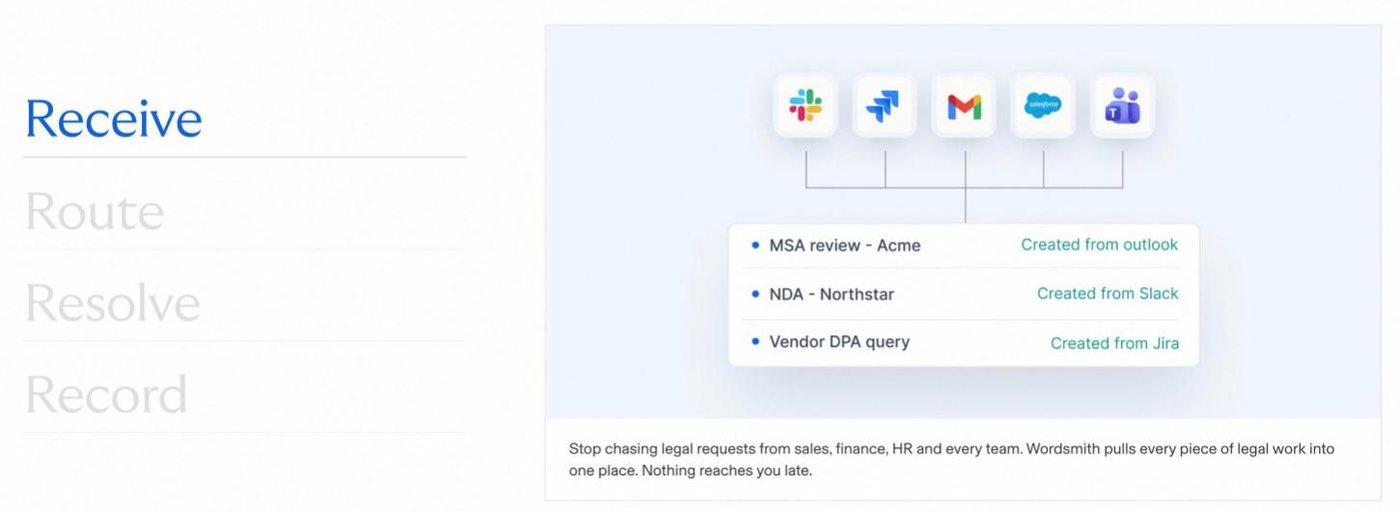
Four verbs for the whole job
Receive, Route, Resolve and Record run down the left, and each one lights up as you scroll. Receive shows where requests already come from, with Slack, Jira, Gmail, Salesforce and Teams, and the requests a legal team knows: an MSA review, an NDA, a vendor DPA query.
- 1Four verbs for the whole job
- 2Where requests already come from
- 3Request types legal knows
- 03
Homepage
General counsel, named and on video
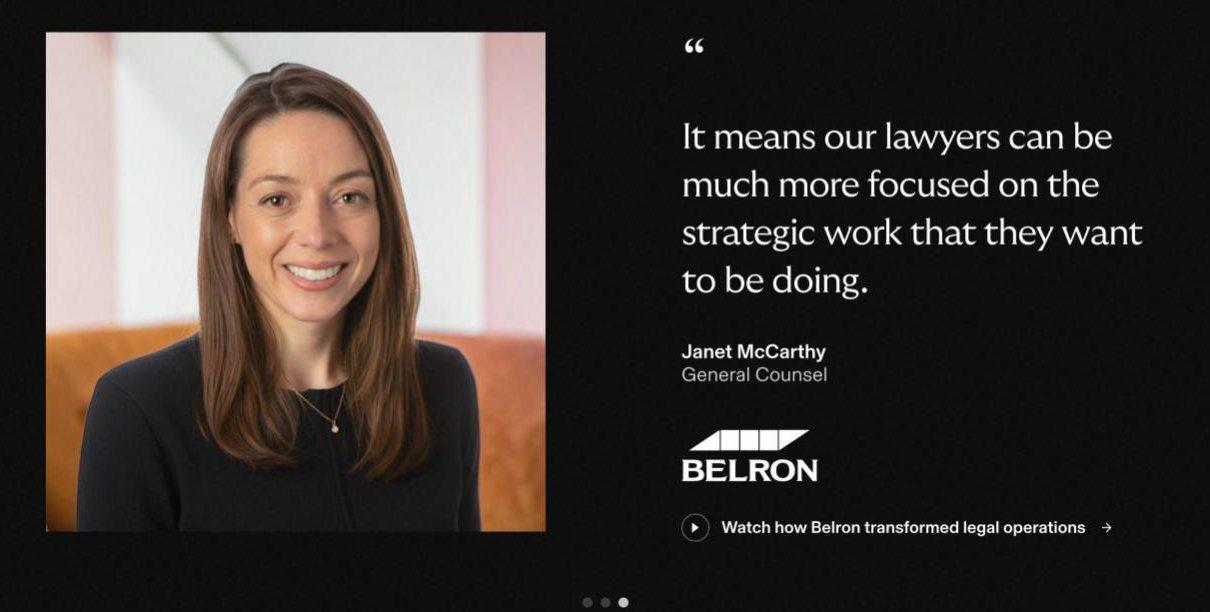
The proof is a carousel of in-house lawyers, each with a photo, a name, a title, a company logo and a link to a video story. The stories come from Trustpilot, the Financial Times and Belron, companies a general counsel will recognise.
- 1A real general counsel
- 2Name and role
- 3A company they'll know
- 4Each quote opens a video
- 04
Homepage
Five outcomes in a row
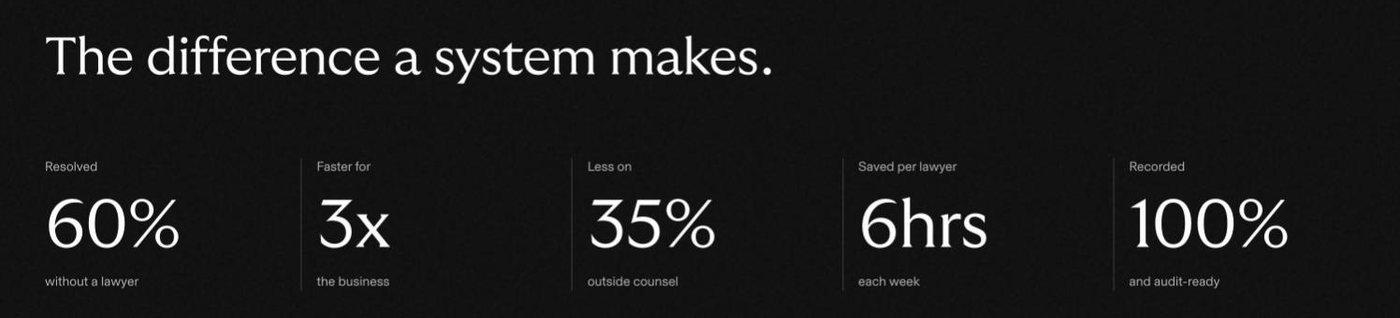
“The difference a system makes.” is followed by five figures that count up as they appear: 60% of requests resolved without a lawyer, 3x faster for the business, 35% less on outside counsel, 6 hours saved per lawyer each week and 100% recorded and audit-ready. Each is an outcome a general counsel reports on.
- 1The heading sets them up
- 2Outcomes, not features
- 3Time saved per lawyer, per week
Homepage scorecard
Wordsmith scores 77 out of 100
Six checks of homepage best practice, the same ones we use on any site. Each is scored from the homepage as we captured it.
Says what it is and who it's for
20 / 20
20 if the first screen says what the product does and who it's for; 10 if one of those is left vague; 0 if neither.
Shows the product
20 / 20
20 if real product (interface, code or output) appears in the hero or the next section; 10 if it appears further down; 0 if not at all.
Proof early on
10 / 20
20 if logos, figures or named customers appear in the first two screens; 10 if further down; 0 if none.
A clear next step
8 / 15
15 for a button or input in the hero; 8 if the only call to action is in the navigation; 0 if none.
Works on a phone
15 / 15
15 if the headline and the main action both fit the phone's first screen; 8 if only the headline does; 0 if neither.
First-screen focus
4 / 10
Our 5-second test score divided by 10. It measures how visually focused the first screen is, so full-bleed photos, video and gradients score lower by design.
First-screen focus, in detail
On desktop the film fills most of the first screen, so there's little empty space and the headline shares attention with it. The highlighted headline still reads first. We ran the first screen, at 1,362 by 868 pixels, through our free 5-second test on 24 November 2026.
Desktop, 1,362 by 868
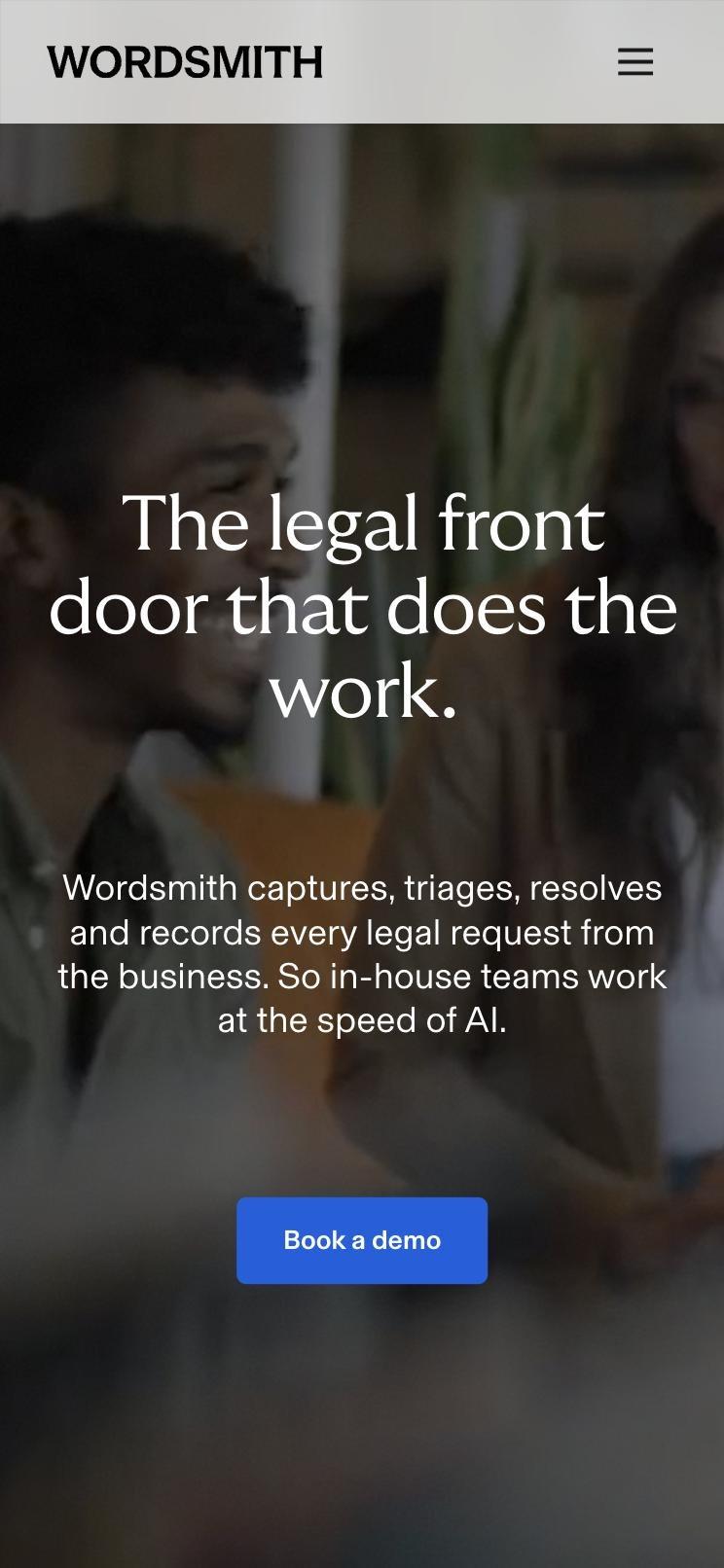
Phone, 375 by 812
75
Focused · 6 focal points
On a phone the film sits behind the text, and a Book a demo button appears in the hero. The first screen reads more clearly than on desktop, which is why its focus score is higher. First screen at 375 by 812 pixels, tested on 24 November 2026.
Test your own first screenThe takeaway for founders
What to borrow, at your stage
You probably don't have Wordsmith's team or budget. Here's how to take each idea with a smaller one.
- 01
A good metaphor can do the explaining.
At your stage: If your category is new, a familiar picture such as a front door, an inbox or a control room helps buyers place you. Follow it with a plain subhead.
- 02
Describe the whole job in a few verbs.
At your stage: Three or four verbs, in the order the work happens, make a complex product easy to follow.
- 03
Choose proof from your buyer's peers.
At your stage: A general counsel trusts another general counsel. Even one named quote from someone with your buyer's job title helps.
- 04
Report the outcomes your buyer reports on.
At your stage: Use the figures your buyer shows their own boss, such as cost, time or risk, not usage or feature counts.
Send us your page or deck. We'll come back with a scoped redesign and a fixed quote within 48 hours.
More teardowns
Keep looking
- Nº 25 · hyperexponentialSeries B
 Series B · $73MScorecard 87/100
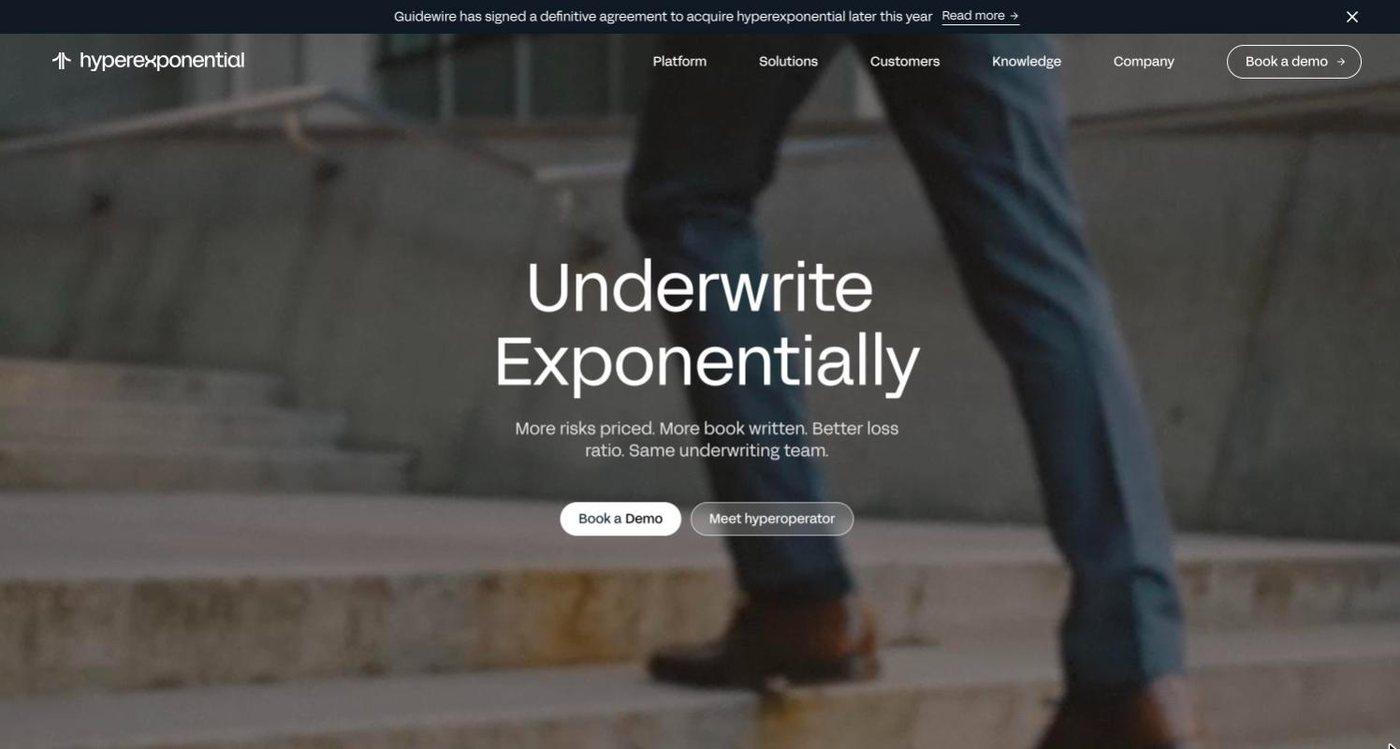
hyperexponential raised a $73M Series B. Its homepage speaks underwriting, not software.
How a London insurance pricing company sells to underwriters: a two-word promise, four outcomes in one line, carrier logos with a premium figure, and an AI agent shown answering a real request.
Read the teardown - Nº 24 · NscaleSeries B
 Series B · $1.1bnScorecard 57/100
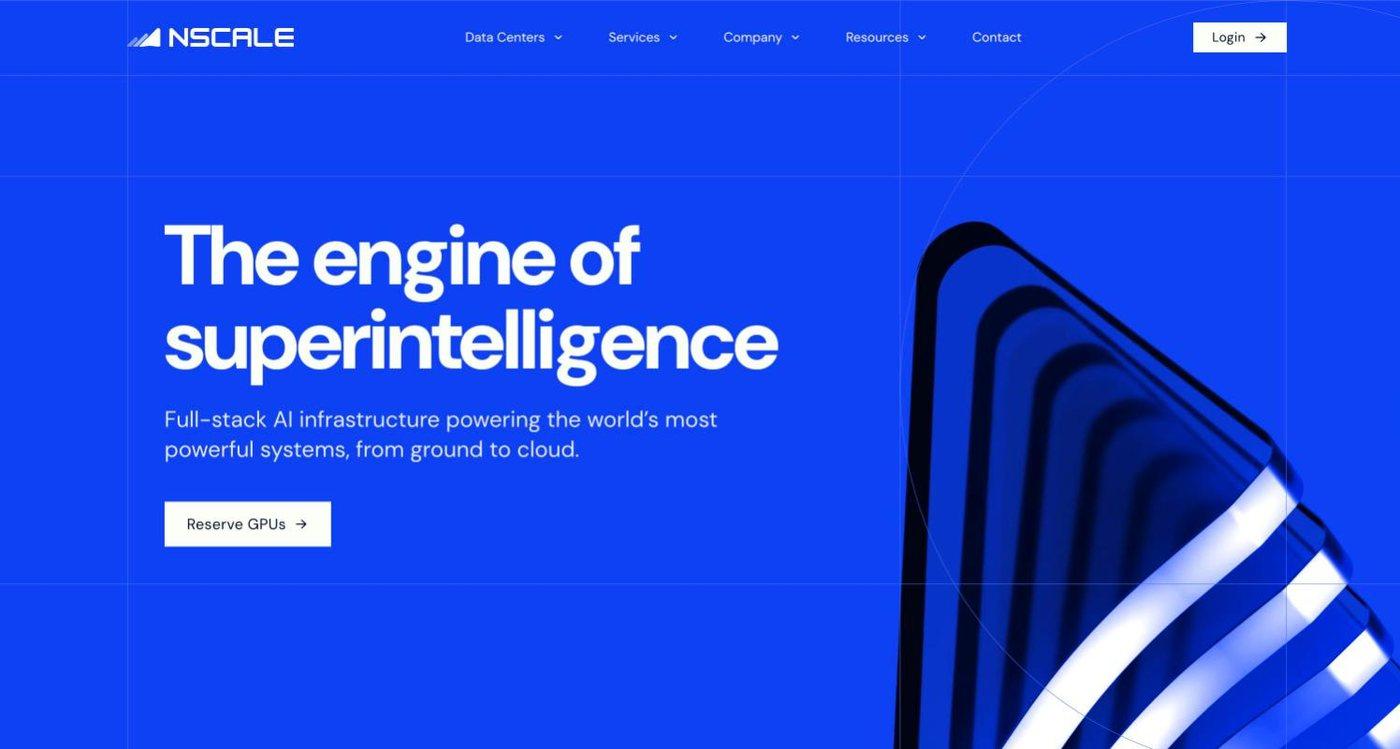
Nscale raised a $1.1bn Series B. Its homepage sells AI infrastructure with one bold line and one button.
How a UK AI infrastructure company sells to AI labs and enterprises: a five-word claim, a button that names the product, the stack drawn layer by layer, and a quote from the UK's AI minister.
Read the teardown - Nº 23 · QuantexaCategory leader
 Series F · $175MScorecard 88/100
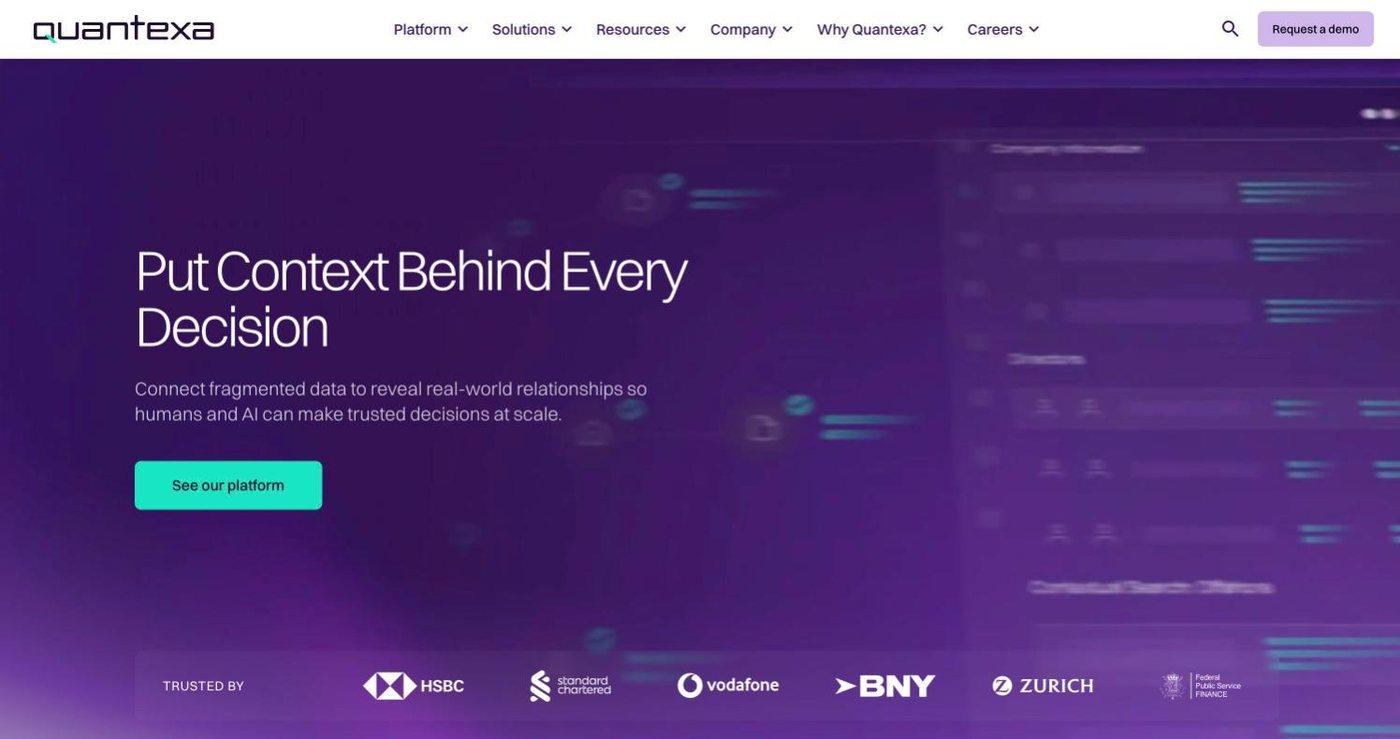
Quantexa raised a $175M Series F. Its homepage puts the bank logos in the first screen.
How London's decision intelligence company sells to banks and governments: a promise about decisions, the product blurred behind the hero, recognisable customers straight away, and three outcomes in product UI.
Read the teardown
dgitl isn't affiliated with Wordsmith. Screenshots are used for commentary and belong to their owners. Figures are from the public sources linked above.