PowerPoint
PowerPoint presentation design.
PowerPoint presentations and templates for B2B SaaS teams, designed by a senior PowerPoint designer. Built on real slide masters, so your team can add slides without breaking the design.
Four things, done properly.
- 01Story and slide structure
- 02Slides designed natively in PowerPoint
- 03Master template with layouts and styles
- 04Editable charts, icons and a usage guide
How it works with us
- Fixed quote, agreed up frontThe price in your proposal is what you pay, unless the scope changes.
- Proposal within 48 hoursSend a brief async. No discovery call needed.
- Two review rounds per milestoneFeedback in Figma or Loom, on your schedule.
- You own the sourceEditable files, or the repo, at handover.
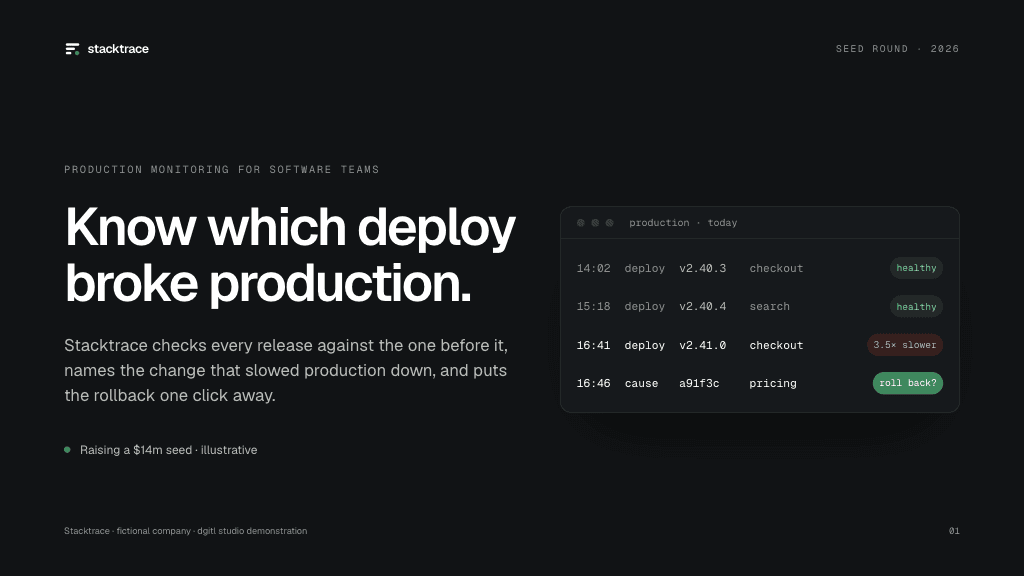
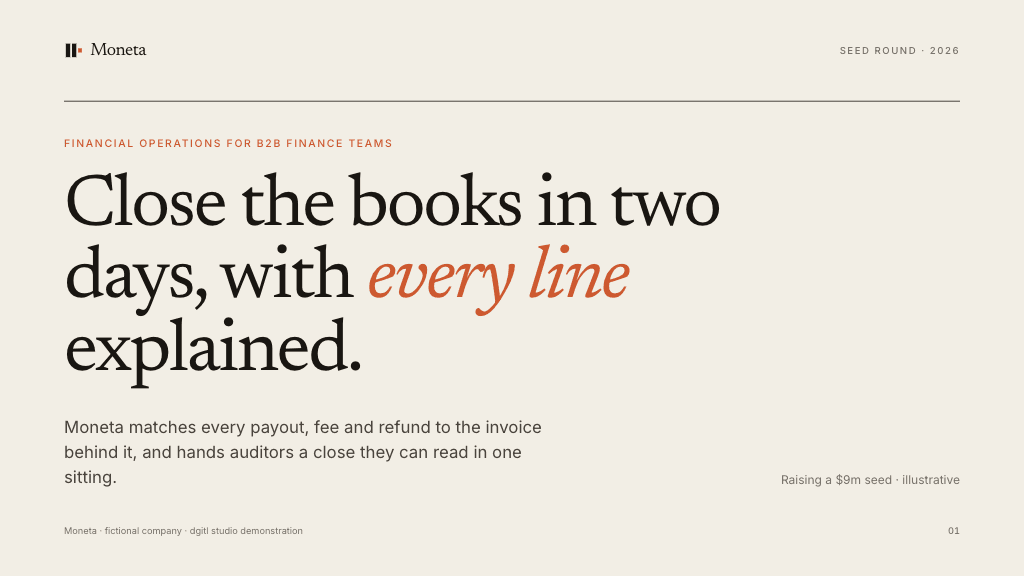
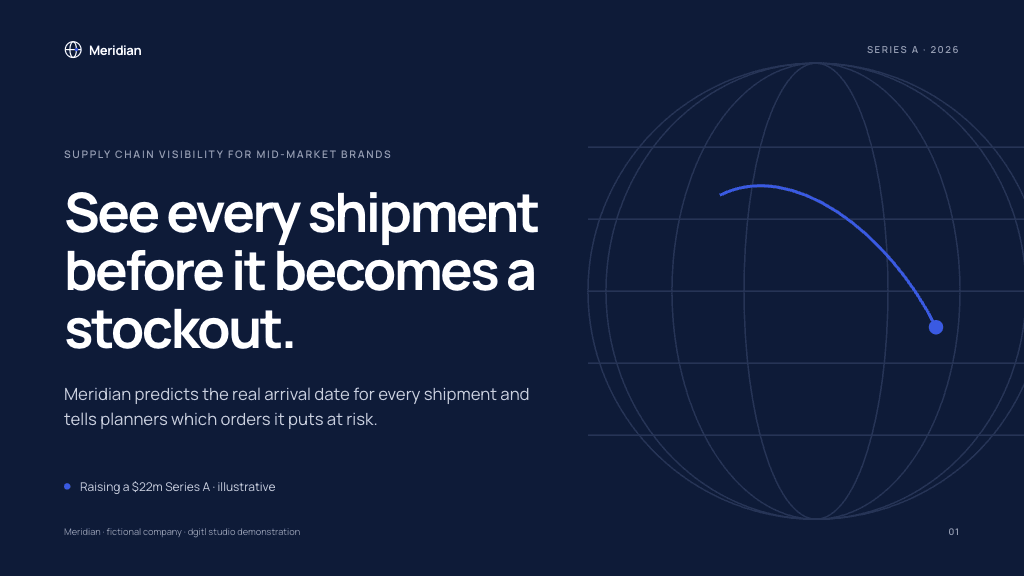
What it looks like.
Sample brands we designed to show the work. Client work is shared on request.
The problem we solve.
For sales, marketing and leadership teams whose PowerPoint has drifted: five fonts, stretched logos and charts nobody can edit. And for founders who need investor or customer decks in PowerPoint, because that's what the other side opens.
We design natively in PowerPoint, with slide masters, theme colours and fonts, and editable charts. That's the difference between a template your team can use and a deck that only works until someone edits it. Keynote and Google Slides versions are available too.
Typical timelines
- Deck redesign (15–25 slides)
- 1–2 weeks
- Company PowerPoint template
- 1–2 weeks
- Template plus a slide library
- 2–3 weeks
Every project gets a fixed quote in writing before work starts. See pricing
Brief to handover in three steps.
- 1
Audit the deck
We look at your current slides and template, and agree what the presentation has to do before any design.
- 2
Design in PowerPoint
Slides built natively: real text, editable charts and master layouts, not pictures pasted onto slides.
- 3
Hand over the system
The .pptx, a .potx template and a one-page guide, so anyone can add a slide.
A PowerPoint file that still looks designed after your team has edited it.
Before you brief this.
Do you design natively in PowerPoint?
Yes. Slides are built in PowerPoint with real text, editable charts and slide masters, so everything stays editable. We don't paste images of slides into PowerPoint.
Can you create a PowerPoint template for our company?
Yes. A template includes a slide master with layouts for the slides your team actually uses, theme colours and fonts, chart and table styles, and a short guide. It's delivered as a .potx file with an example deck.
Can you redesign an existing PowerPoint deck?
Yes. Most projects start from an existing deck. We fix the story first, then rebuild the slides on a clean master so future edits don't break the design.
What's the difference between a PowerPoint designer and a presentation designer?
Not much: a PowerPoint designer is a presentation designer who works in PowerPoint. What matters is whether they fix the story as well as the slides, and whether they build proper slide masters your team can reuse.
Do you also work in Keynote and Google Slides?
Yes. We can deliver the same design in Keynote or Google Slides, or build in those tools from the start if that's what your team uses.
Who designs the slides?
You work directly with the principal designer who scoped the engagement. No account managers and no junior hand-offs.
Do we need live calls?
dgitl is async-first. Slack checkpoints, a written workspace, and Loom at milestones. Live conversations are reserved for blocks that cannot move forward in writing.