Juro raised a $23M Series B. Its homepage puts a number on every customer quote.
How a London contract platform sells to legal and business teams: an AI assistant answering in the hero, each feature saying what it replaces, customer quotes with figures, and eight trust numbers in a grid.
Published 24 November 2026
- Milestone
- Series B · $23M
- Homepage scorecard
- 97 / 100
- First-screen focus
- Focused
- Headline
- 4 words
In 30 seconds
What Juro does well
Key facts
The first screen, measured
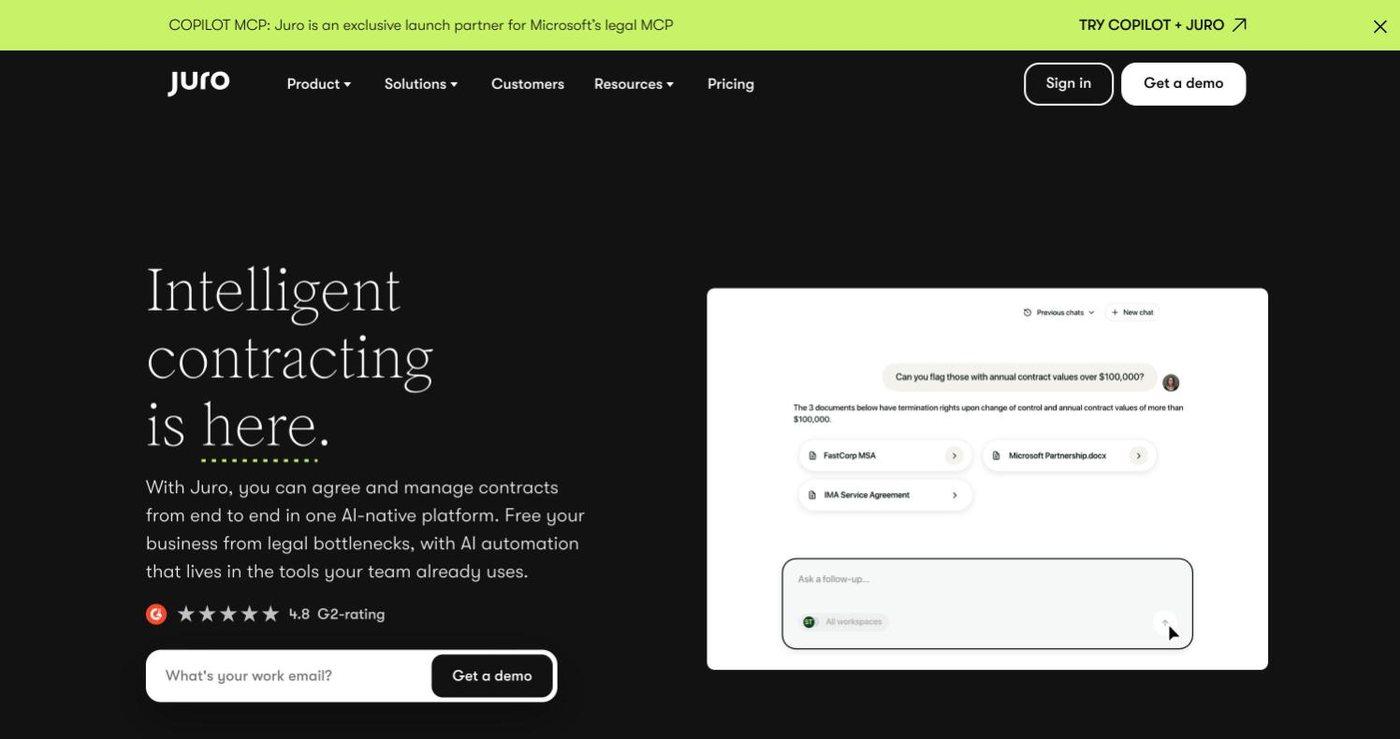
- Juro's homepage hero shows the product's AI assistant answering a question about contracts.
- The headline is 4 words: “Intelligent contracting is here.”.
- The hero has one button, Get a demo, attached to a work email field.
- The headline is set in Inferi, 65px.
- Juro's homepage scores 97 out of 100 on our homepage scorecard. Its first screen is focused on our 5-second test (68 out of 100 on desktop, 66 on a phone).
- Measured November 2026.
Hero palette
- #111111
- #FFFFFF
- #C8F270
The milestone
Juro by the numbers
Juro is a contract platform for in-house legal and business teams. Teams create, negotiate, sign and store contracts in one place, with AI that reviews contracts and answers questions about them.
- 3Mcontracts processed, as stated on the homepageSource: juro.com
- 85+countries served, as stated on the homepageSource: juro.com
- 91%time saving per contract at Luno, according to Juro's customer storySource: juro.com
- In January 2022 Juro raised a $23M Series B led by Eight Roads, with Union Square Ventures, Point Nine and Seedcamp. Source: Juro press release
Design moves that work
4 things the Juro site does well
- 01
Homepage
The AI assistant, answering in the hero
Beside “Intelligent contracting is here.”, the product's assistant answers a real legal question: which customer contracts allow termination on change of control, then which of those are worth over $100,000. Under the subhead sit a G2 rating and a work-email field with one button.
- 1The claim
- 2The product answering a question
- 3A rating under the subhead
- 4An email field and one button
- 5Launch news in the top bar
- 02
Homepage
Each feature says what it replaces
Each feature block ends with a line that names the tools it replaces. “Embed contracts where your team needs them” says “Replaces: Word, PDF, Email, Docusign.” and shows contracts created from Slack, HubSpot and Salesforce.
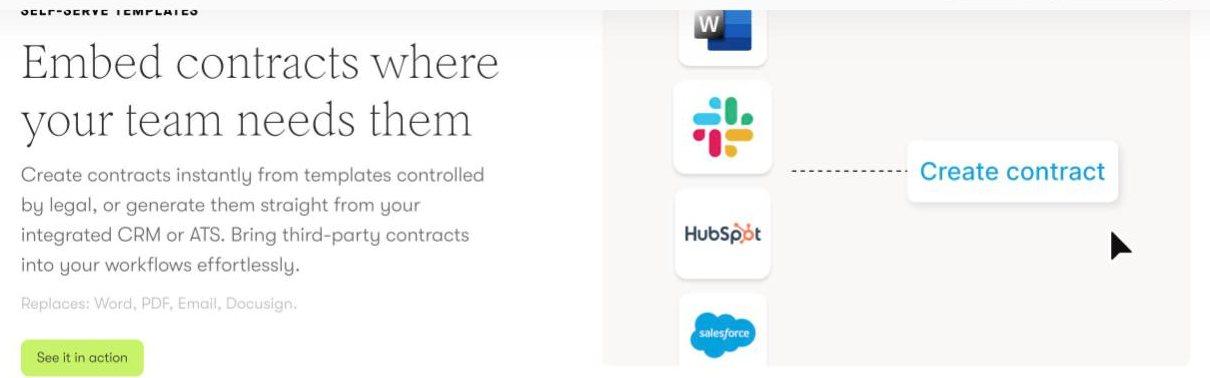
- 1Where your team already works
- 2Says what it replaces
- 3Tools the team already uses
- 4Contracts created from there
- 03
Homepage
A number on every customer quote
The customer carousel pairs each quote with one figure and a video. Deliveroo's general counsel says “Juro enables us to move contracts along without legal being involved”, beside “8 years with Juro”. Other cards claim a 91% time saving per contract and an 86% cut in time to sign.
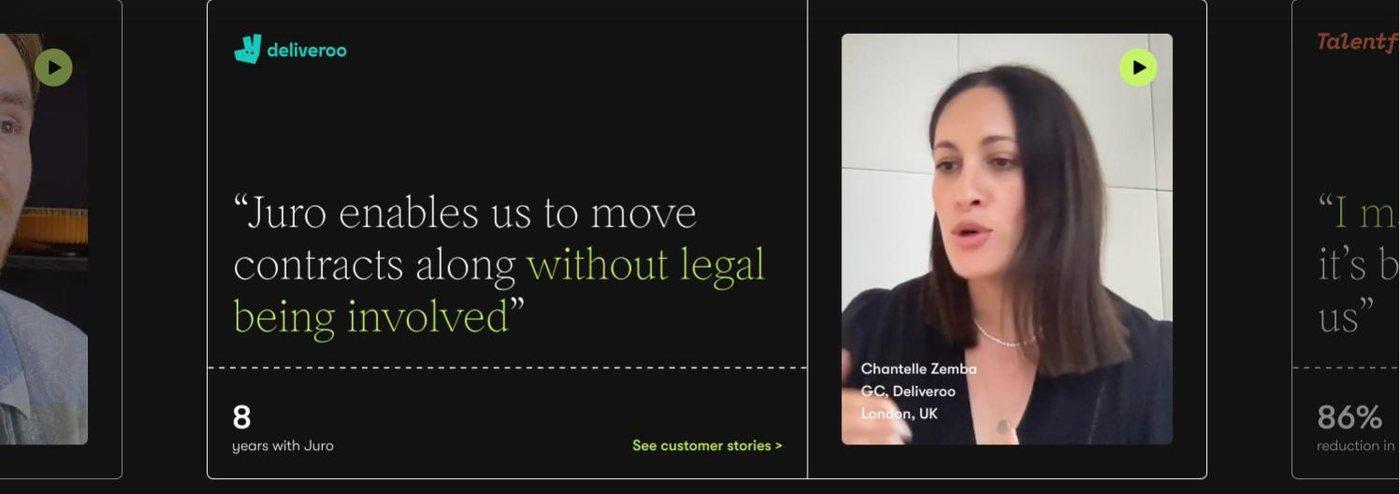
- 1A customer logo
- 2The key words highlighted
- 3A number on every card
- 4A named general counsel, on video
- 04
Homepage
Eight trust numbers in a grid
“Trust nothing less than a Leader with your contracts” sits beside a row of G2 badges, then eight figures: 99.9% uptime, a 4.9 Capterra rating, SOC 2 Type 2, a 1.2k+ lawyer community, founded in 2016 by a Magic Circle lawyer, 3 million contracts, 85+ countries and #1 for ease of use on G2.
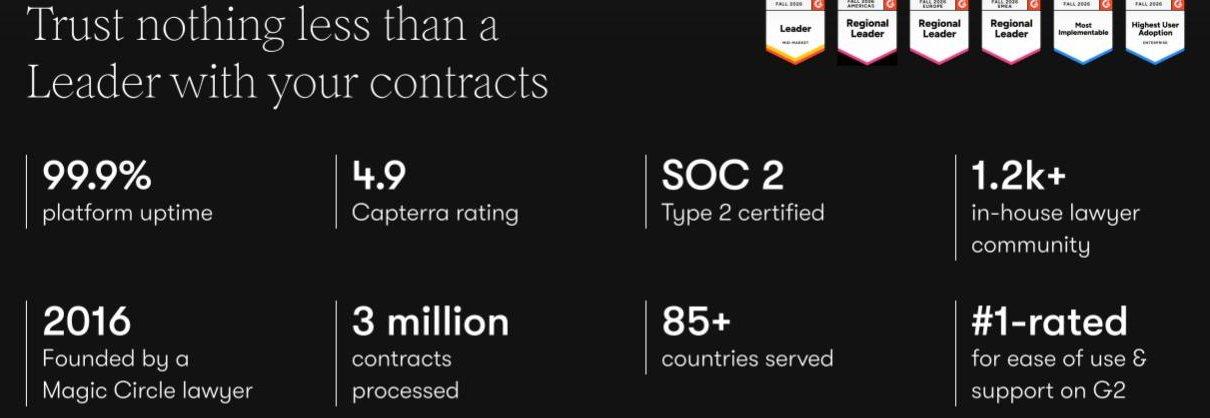
- 1Claims the category
- 2Analyst badges
- 3Eight numbers, one grid
- 4The founder story as a fact
Homepage scorecard
Juro scores 97 out of 100
Six checks of homepage best practice, the same ones we use on any site. Each is scored from the homepage as we captured it.
Says what it is and who it's for
20 / 20
20 if the first screen says what the product does and who it's for; 10 if one of those is left vague; 0 if neither.
Shows the product
20 / 20
20 if real product (interface, code or output) appears in the hero or the next section; 10 if it appears further down; 0 if not at all.
Proof early on
20 / 20
20 if logos, figures or named customers appear in the first two screens; 10 if further down; 0 if none.
A clear next step
15 / 15
15 for a button or input in the hero; 8 if the only call to action is in the navigation; 0 if none.
Works on a phone
15 / 15
15 if the headline and the main action both fit the phone's first screen; 8 if only the headline does; 0 if neither.
First-screen focus
7 / 10
Our 5-second test score divided by 10. It measures how visually focused the first screen is, so full-bleed photos, video and gradients score lower by design.
First-screen focus, in detail
Four areas compete: the serif headline, the subhead, the email field and the assistant panel. The fine detail inside the assistant is the main flag. We ran the first screen, at 1,362 by 868 pixels, through our free 5-second test on 24 November 2026.
Desktop, 1,362 by 868
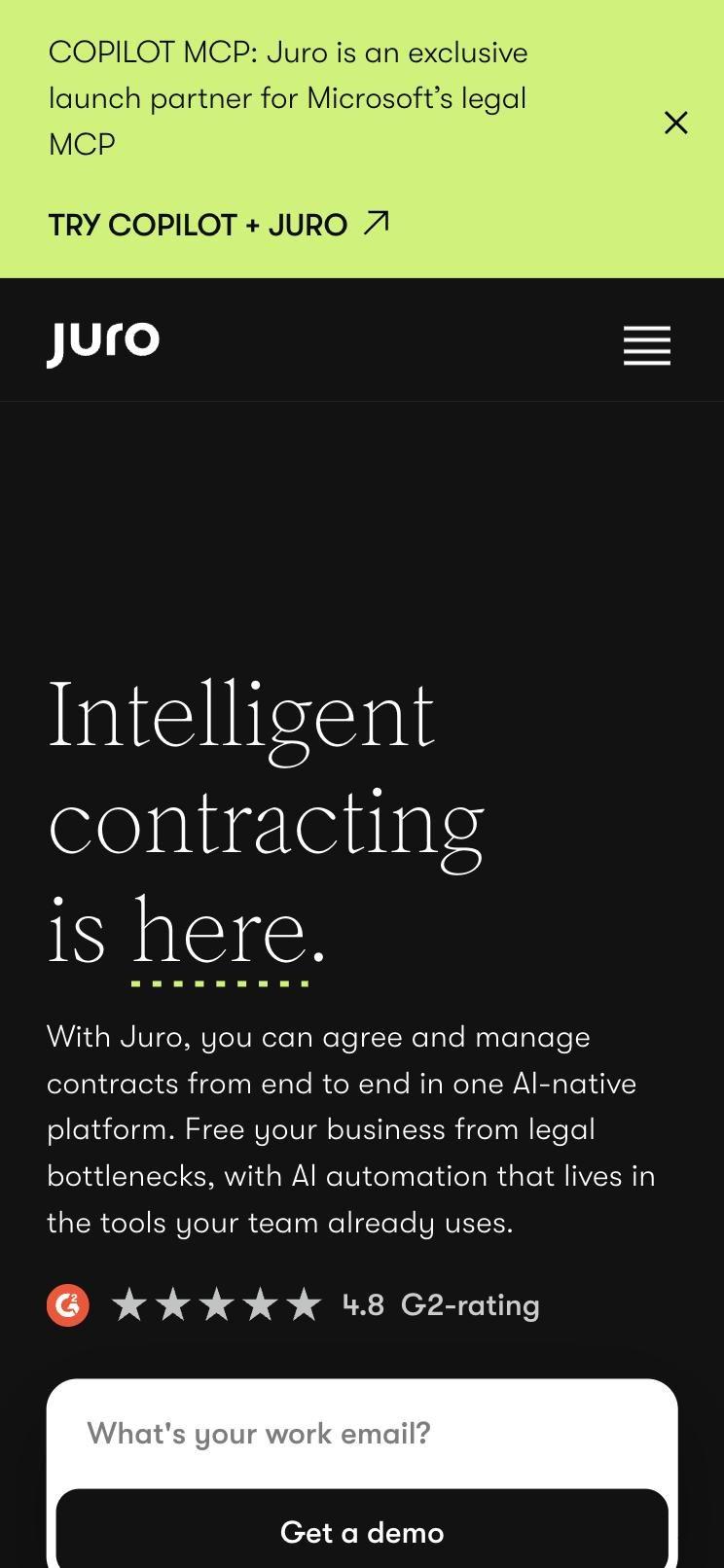
Phone, 375 by 812
66
Focused · 6 focal points
A launch banner takes the top of the screen, then the headline over three lines, a rating and the email field. The assistant demo moves below the first screen. First screen at 375 by 812 pixels, tested on 24 November 2026.
Test your own first screenThe takeaway for founders
What to borrow, at your stage
You probably don't have Juro's team or budget. Here's how to take each idea with a smaller one.
- 01
Show your AI answering a question your buyer actually has.
At your stage: Pick a real question, such as the clause, the risk or the deadline, and show the answer in the hero.
- 02
Say what each feature replaces.
At your stage: A short “Replaces:” line makes value concrete and answers “why switch?” for each feature.
- 03
Put one number on every customer quote.
At your stage: Even early on, ask each customer for one figure you can show beside their words.
- 04
Gather trust signals in one grid.
At your stage: Uptime, certifications, ratings and scale read faster as a grid of numbers than as paragraphs.
Send us your page or deck. We'll come back with a scoped redesign and a fixed quote within 48 hours.
More teardowns
Keep looking
- Nº 25 · hyperexponentialSeries B
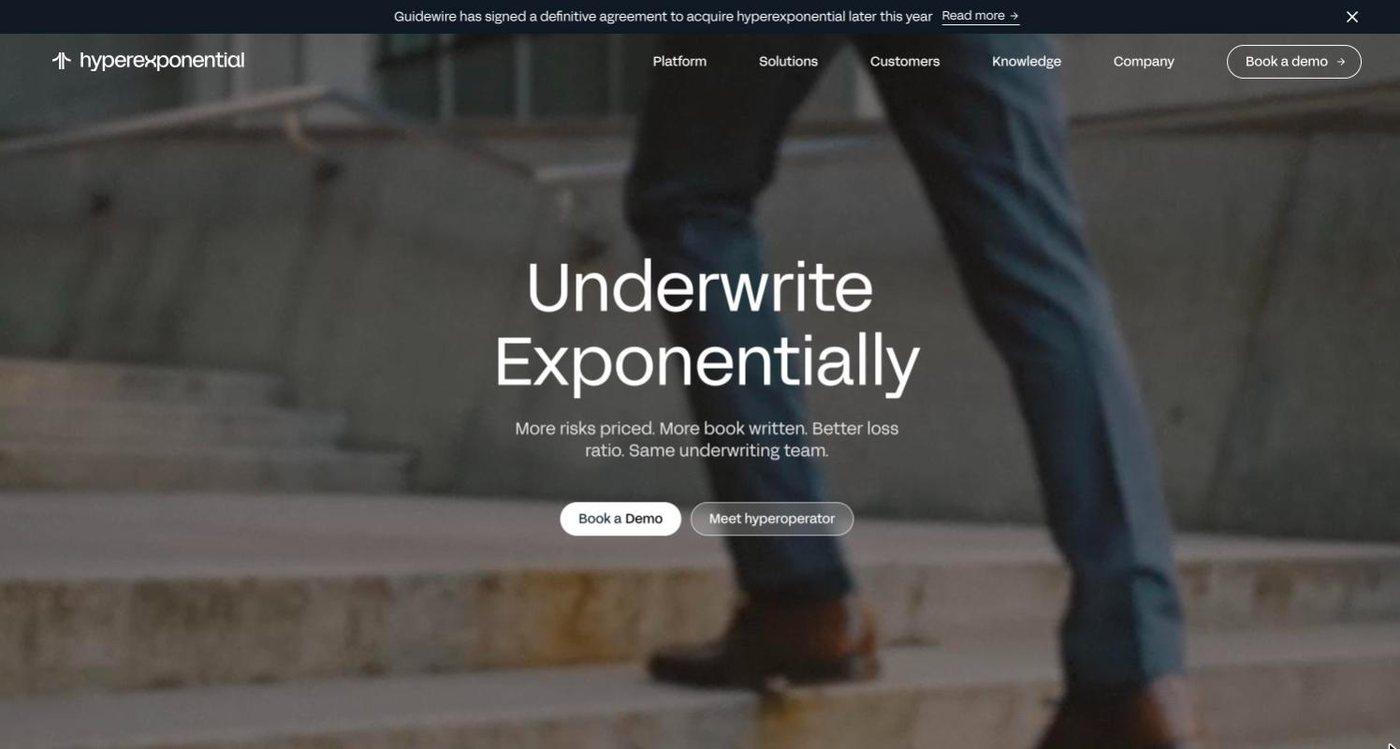 Series B · $73MScorecard 87/100
hyperexponential raised a $73M Series B. Its homepage speaks underwriting, not software.
How a London insurance pricing company sells to underwriters: a two-word promise, four outcomes in one line, carrier logos with a premium figure, and an AI agent shown answering a real request.
Read the teardown - Nº 24 · NscaleSeries B
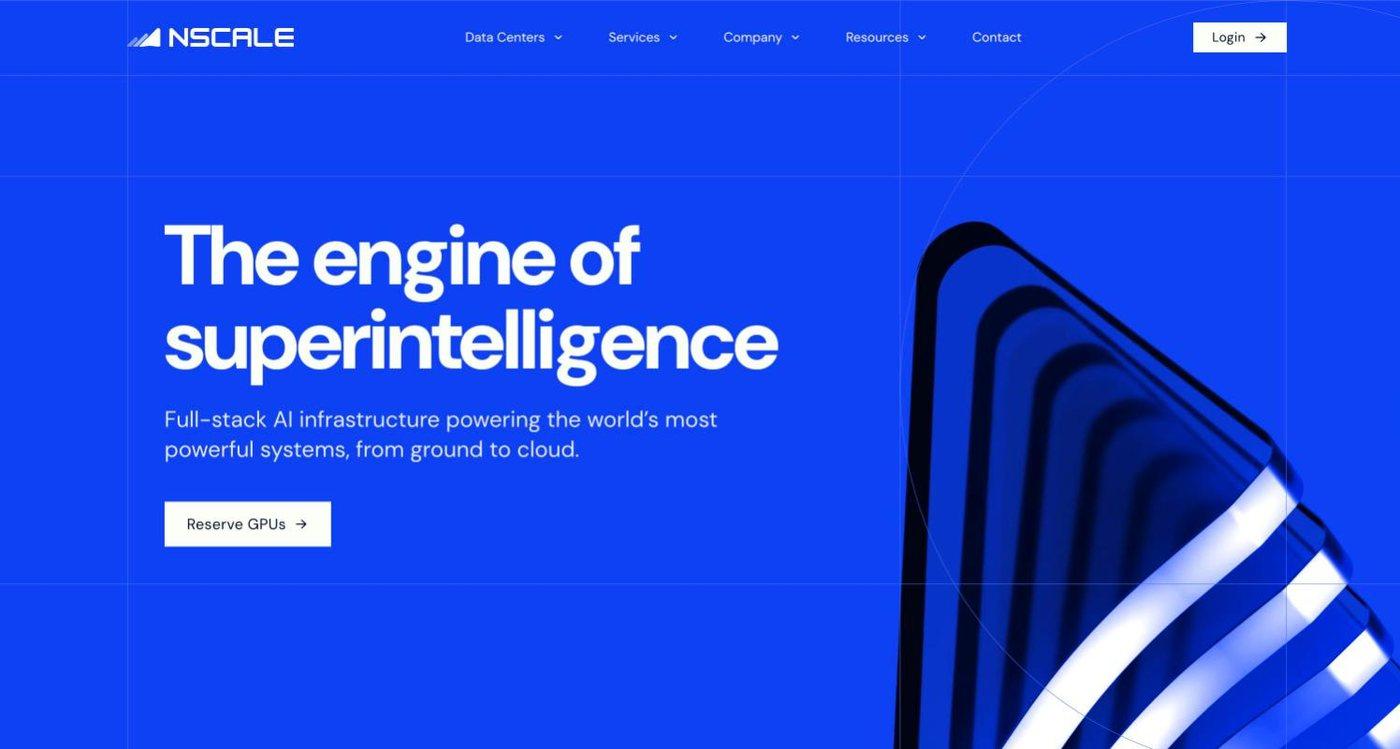 Series B · $1.1bnScorecard 57/100
Nscale raised a $1.1bn Series B. Its homepage sells AI infrastructure with one bold line and one button.
How a UK AI infrastructure company sells to AI labs and enterprises: a five-word claim, a button that names the product, the stack drawn layer by layer, and a quote from the UK's AI minister.
Read the teardown - Nº 23 · QuantexaCategory leader
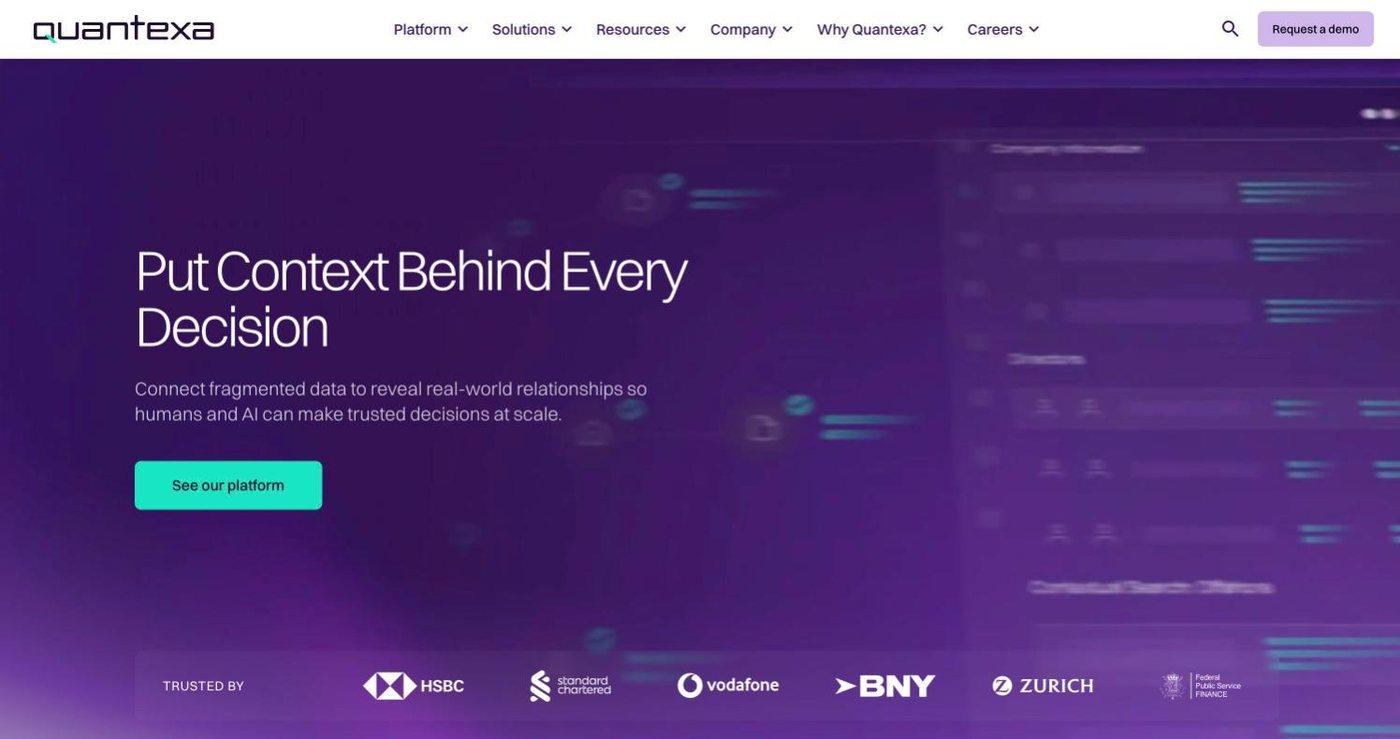 Series F · $175MScorecard 88/100
Quantexa raised a $175M Series F. Its homepage puts the bank logos in the first screen.
How London's decision intelligence company sells to banks and governments: a promise about decisions, the product blurred behind the hero, recognisable customers straight away, and three outcomes in product UI.
Read the teardown
dgitl isn't affiliated with Juro. Screenshots are used for commentary and belong to their owners. Figures are from the public sources linked above.